

Accounts Payable (AP)
Accounts Payable (AP) represents short-term financial obligations owed by a business to suppliers, vendors, or creditors for goods and services purchased on credit. Recorded as a current liability on your balance sheet, AP is the central pillar of daily cash outflow management.
While simple in concept, managing AP across dozens of active suppliers frequently turns into an operational bottleneck. For businesses running platforms like Sage 50 or Sage Accounting, static ledger exports and manual spreadsheet aging reports often hide upcoming cash pinches until invoices are already overdue.
The 4-Step Accounts Payable Process
A standard AP workflow follows four sequential operational stages:
-
1. Purchase Order (PO) Issuance
The buyer generates a PO specifying approved prices, quantities, and delivery terms
-
2. Receiving & 3-Way Matching
Finance cross-references the invoice against the original PO and goods received note (GRN) to catch billing errors before authorisation.
-
3. Ledger Booking
The transaction is posted to your accounting software (e.g., Sage) as a debit to expense or inventory and a credit to Accounts Payable.
-
4. Payment Settlement
The debt is cleared via bank transfer according to agreed payment terms (e.g., Net 30 or Net 60).
Accounts Payable vs. Accounts Receivable (AR)
AP and AR manage opposite sides of working capital:
| Operational Metric | Accounts Payable (AP) | Accounts Receivable (AR) |
|---|---|---|
| Financial Definition | Short-term debt owed by your business to suppliers. | Outstanding payments owed to your business by clients. |
| Balance Sheet Classification | Current Liability. | Current Asset. |
| Cash Impact | Direct cash outflow. | Direct cash inflow. |
| Core Operational Focus | Optimise payment timing and capture supplier discounts. | Minimise Days Sales Outstanding (DSO) and speed up collections. |
| Automated View in Roveel | Supplier Aging Dashboard (live creditor liabilities). | Credit Control Dashboard (live customer debts). |
Essential AP Metrics (And How to Monitor Them Without Spreadsheets)
Tracking your payables performance protects cash reserves and vendor relationships. However, calculating these metrics manually in Excel produces static snapshots that become obsolete the moment payments run.
-
1. Days Payable Outstanding (DPO)
DPO calculates the average number of days your business takes to pay vendor invoices.
A rising DPO preserves working capital, but going too high signals cash flow stress to suppliers. Instead of manual monthly math, Roveel pulls raw Sage data automatically to visualise DPO trends over time, helping you strike the balance between holding cash and maintaining vendor trust.
-
2. Aged Payables Schedule
An aged payables report categorises supplier debts by overdue brackets: 0–30 days, 31–60 days, 60–90 days, and 90+ days.
It identifies which vendor balances threaten credit terms or carry late fees.
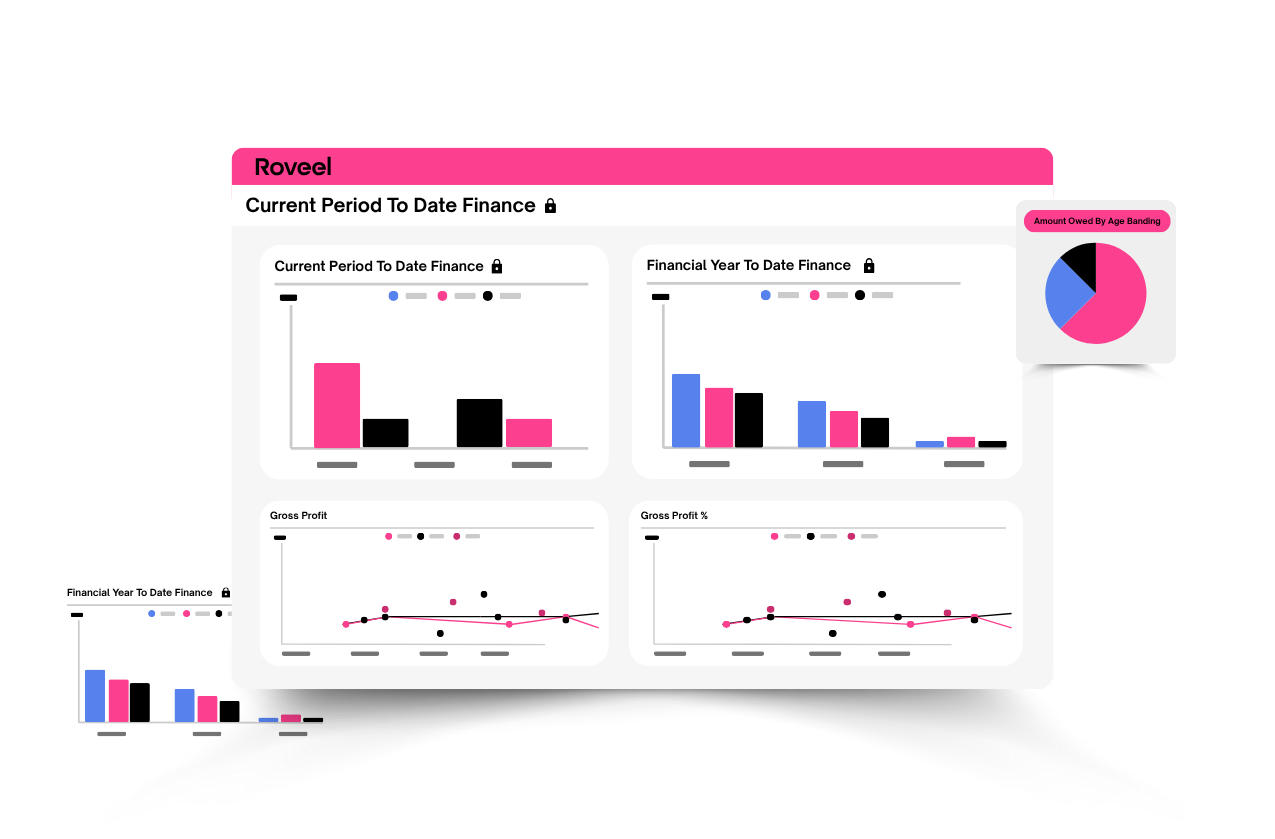
Roveel’s Supplier Ageing Dashboard transforms Sage credit ledgers into an interactive visual breakdown. Rather than deciphering dense spreadsheet rows, finance managers can view aging buckets instantly and drill down into specific transaction details with one click.
Replacing Manual Sage AP Spreadsheets with Roveel
Exporting Sage payables data into Excel for weekly management creates three persistent business risks:
-
Stale Information:
Spreadsheet summaries are out of date seconds after payment runs execute.
-
Siloed Visibility:
Department heads lack real-time visibility into vendor commitments without asking finance for manual updates.
-
Formula Errors:
Broken links and manual data entries lead to missed payment windows and inaccurate cash forecasting.
Roveel connects directly to Sage in under five minutes. It automates your payables reporting by replacing static ledgers with pre-built, visual dashboards accessible across desktop, tablet, and mobile devices.
FAQs
Is Accounts Payable a Debit or a Credit?
Accounts Payable carries a normal credit balance. When you record a supplier invoice, AP is credited (increased). When payment is issued, AP is debited (decreased).
How does AP directly impact cash flow forecasting?
AP represents committed future cash outflows. Failing to track upcoming payment terms alongside incoming Accounts Receivable (AR) leads to unexpected working capital shortages.
How does Roveel connect to Sage for AP reporting?
Roveel links with Sage Accounting, Sage 50, and Sage 200 via a secure 5-minute setup. Once connected, it automatically syncs transaction data to keep your AP dashboards up to date without manual file exports.